
How OneTaskMan Works
Step-by-Step Flow
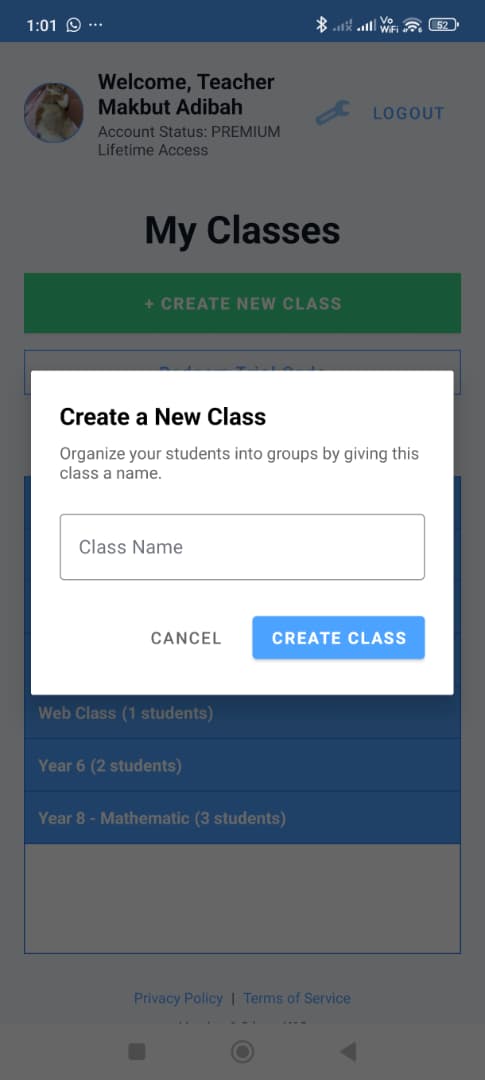
Create a class
The teacher creates a class first. This gives students a clear classroom space where tasks can be assigned and tracked. Teachers then create tasks and divide them into smaller steps. This ensures that each instruction is clear and manageable, reducing confusion for students.
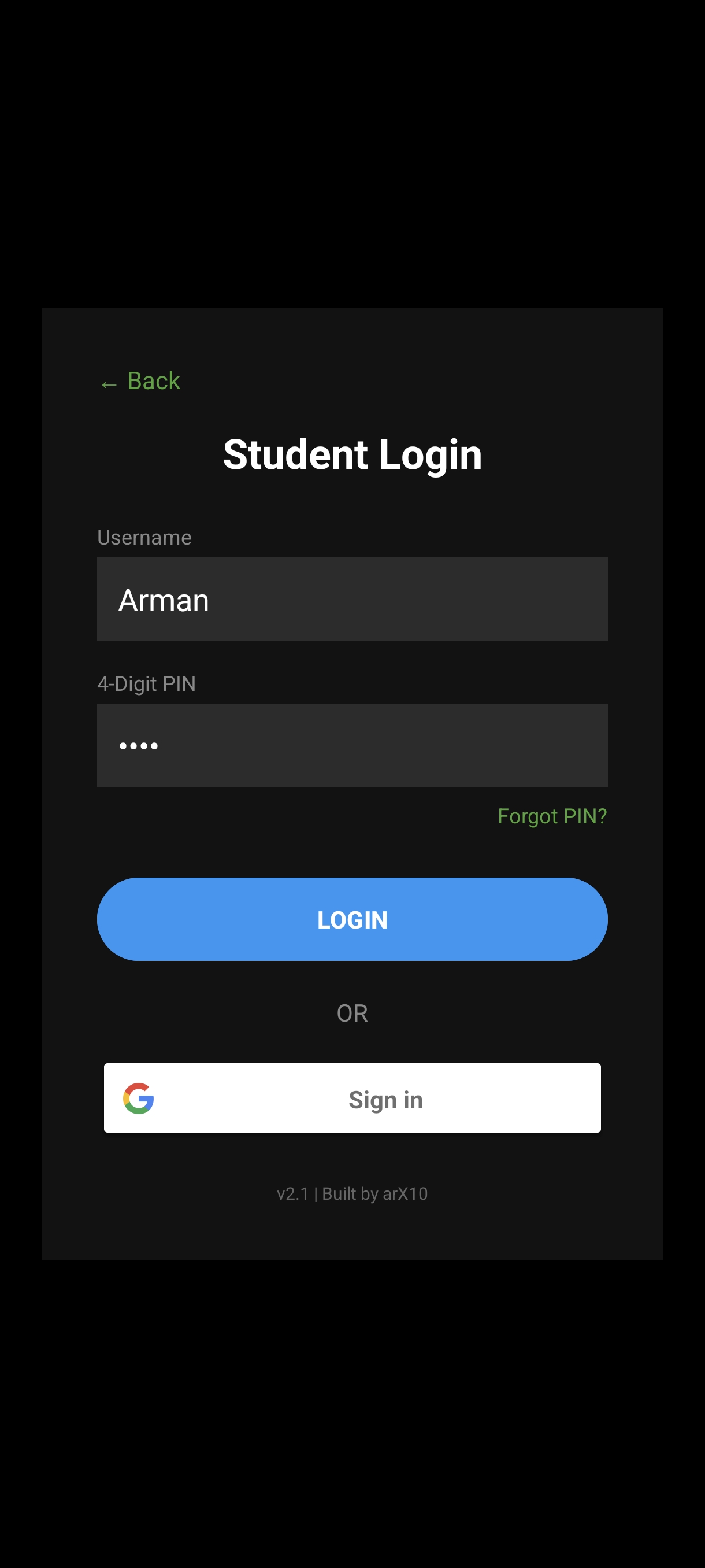
Student logs in
The student enters the student portal and signs in. After logging in, they can access their pending tasks.
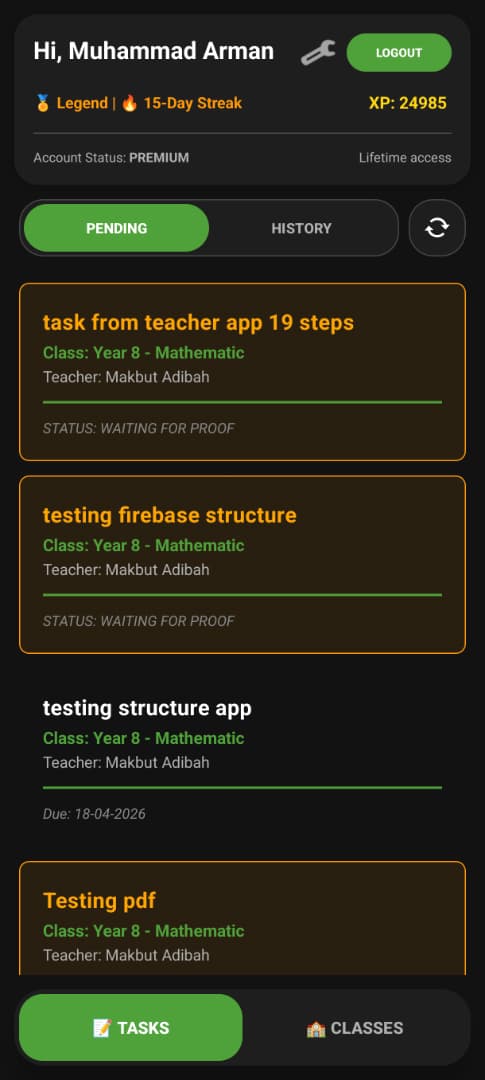
Student views pending tasks
Assigned tasks appear in the pending task list. Instead of seeing everything at once, the student can open one task and focus on it.
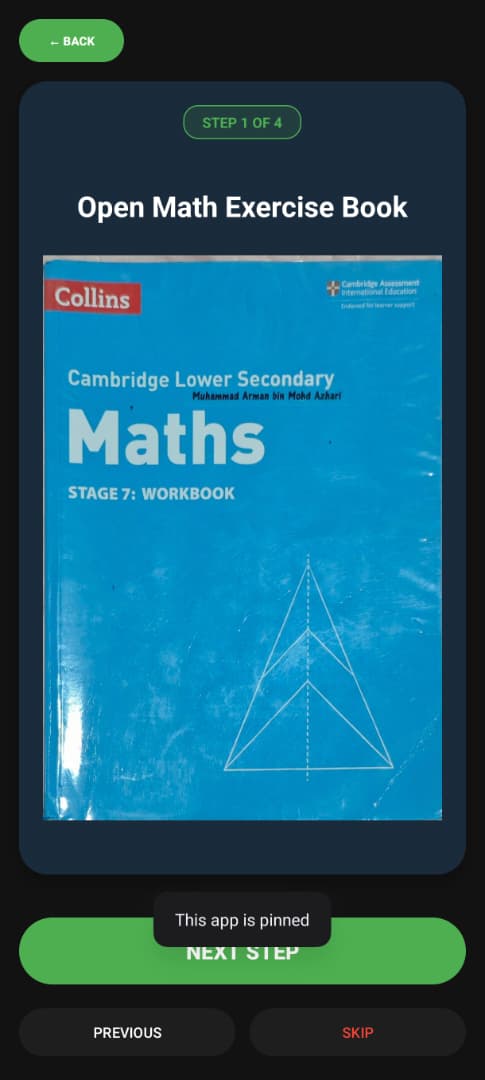
Task becomes steps
The task is broken into smaller steps. The student follows one clear step at a time instead of a long overwhelming instruction.
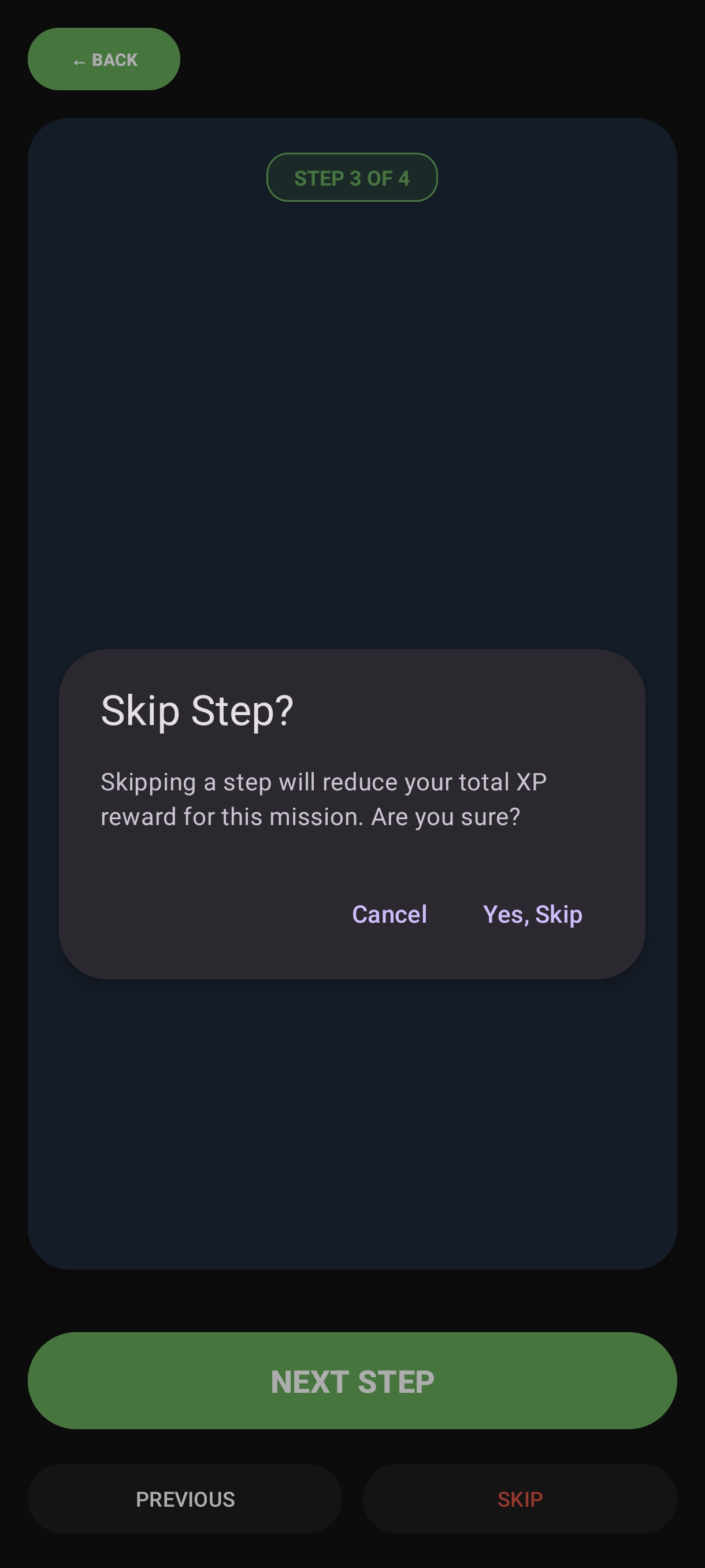
Student can skip when needed
If a step feels too hard or the student is stuck, they can skip it. This helps them keep moving instead of getting frozen.
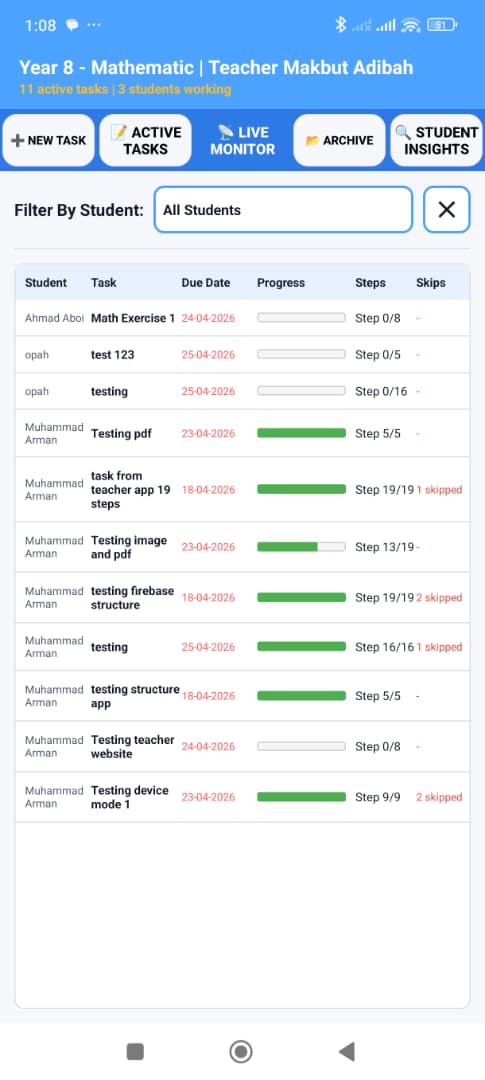
Teacher monitors progress
Teachers can see progress in real time, including task status and student movement through the steps.
How instructions are split
OneTaskMan turns long instructions into smaller steps so students only need to focus on one action at a time.
Example: Open Math Exercise Book. Page 152
→ Open Math Exercise Book
→ Page 152
Range Example: Do exercise 1.3 - 1.9
→ Do exercise 1.3
→ Exercise 1.4
→ Exercise 1.5 … and so on